Your Phone's Battery Is Lying About Its Health
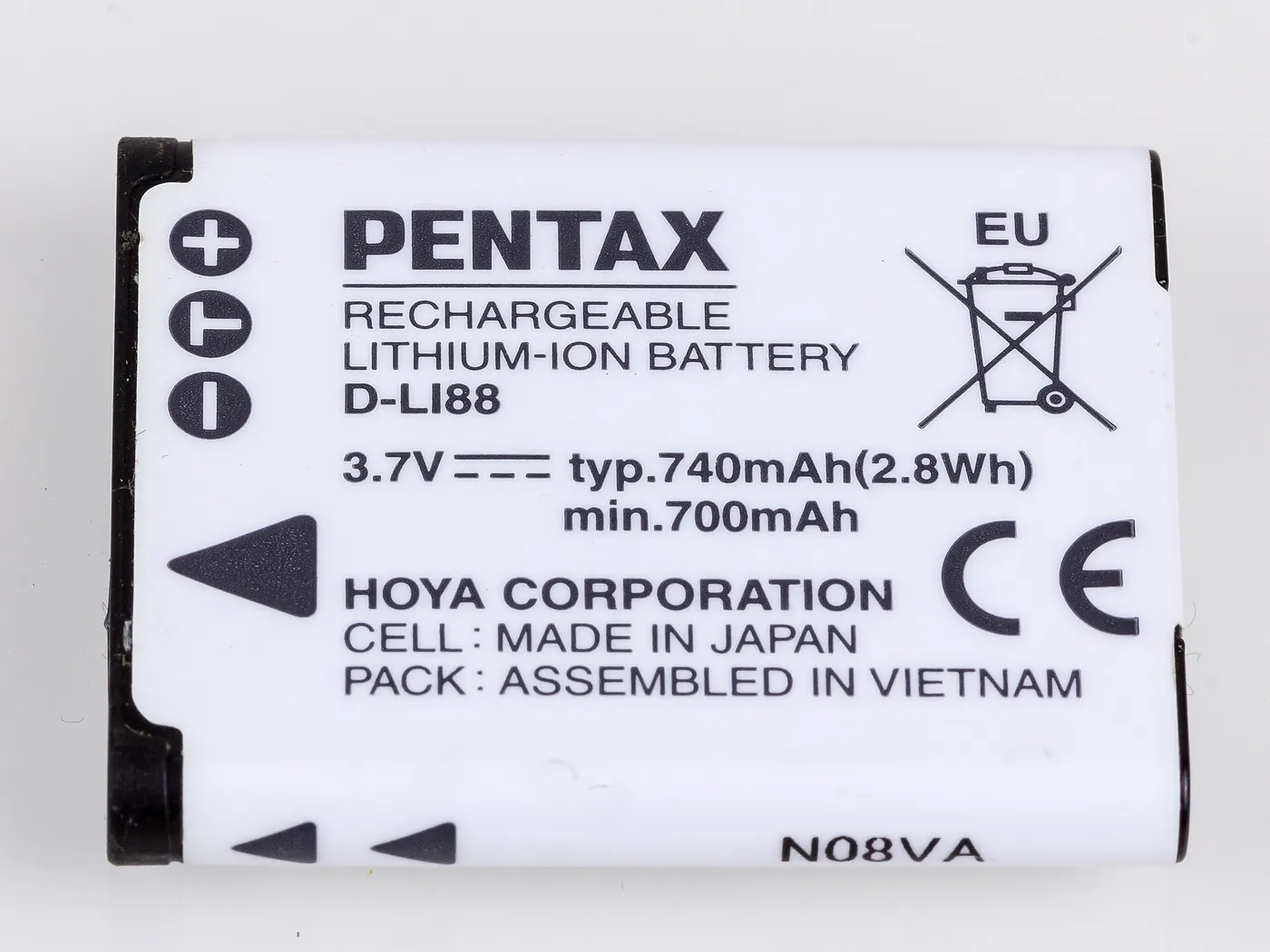

The battery percentage on your phone is not a measurement. It is an estimate, produced by a chip guessing at how much energy is left based on voltage, temperature and recent usage. Most of the time the guess is good. When the battery is old, the guess gets worse — and that is usually when people start saying the phone “drains fast” or “jumps from 20% to dead”.
Two years in, most phones are carrying a battery that has quietly lost a fifth of its capacity. The phone still says 100% when it’s full, because 100% now means “full for this battery”, not “full like it was new”.
What actually ages a battery
Lithium cells wear out in three ways, and only one of them is about charging.
Heat. This is the big one. A phone left on a car dashboard in May, or charged under a pillow, ages several times faster than one kept at room temperature. Every chemistry trick in the world loses to a hot battery.
Time spent at 100%. A full cell is a stressed cell. Sitting at 100% overnight, every night, is the second-largest factor — which is why phones started offering an 80% charge limit.
Deep discharges. Running to 0% regularly is hard on the cell. So is fast charging a hot phone. Neither is catastrophic; both add up.
What does not meaningfully matter: charging overnight with a good charger, using the phone while it charges, or the brand of cable — as long as it’s a decent one.
How to read the health number
iPhone: Settings → Battery → Battery Health & Charging. You get maximum capacity and a cycle count on newer models.
Android: Settings → Battery, then look for “Battery health”, “Battery information” or a design-capacity figure depending on the manufacturer. If your phone hides it, an app like AccuBattery measures charge and discharge over a week and estimates capacity from that. It is slower but honest.
What the numbers mean:
- Above 90% — fine, ignore it.
- 80–90% — normal wear, expect shorter screen time than day one.
- Below 80% — this is the point where most people notice it. Apple’s own guidance treats 80% as the service threshold.
- Cycle count — roughly 500 full cycles to 80% is typical for a good cell. Two years of daily charging lands most people around 600–800 partial cycles, which is why the capacity drops.
The myths worth dropping
“Calibrate by draining to zero once a month.” That was advice for nickel batteries in 2005. On lithium, it just adds a deep discharge.
“Charging overnight ruins the battery.” Modern phones stop charging at full and run off the cable. The damage is from sitting at 100% for eight hours, not from the act of charging — and the 80% limit solves it.
“Fast charging kills batteries.” Heat kills batteries. A fast charger that keeps the phone cool is fine; a slow charger under a pillow is not.
“Third-party chargers are dangerous.” Cheap unbranded ones can be, mostly because of bad insulation and no certification. A known brand with the right standard is fine.
What to actually do
- Turn on the 80% limit if your phone has one. You lose a little runtime today and keep a lot of capacity next year.
- Keep it out of the sun. Dashboard, window sill, bike mount in summer — these are battery killers.
- Don’t chase 0%. Charge when it’s convenient, roughly between 20 and 80.
- Replace the battery, not the phone. At 78% health, a ₹2,000–4,000 battery makes a three-year-old phone feel new again. A new phone costs twenty times that.
- Check repairability before you buy the next one. If the battery is glued under the screen and the vendor won’t sell parts, you are renting the phone, not owning it.
One thing I’d tell my younger self
I used to treat battery health as a spec-sheet number to brag about. It is really a maintenance item, like tyre tread. It degrades on a schedule, it is replaceable, and noticing it early saves you from buying hardware you don’t need.
If your phone dies at 15% and it’s two years old, the phone is probably fine. The battery is just tired.
See you in the next one.