Passkeys Are Finally Everywhere. Here's How I Moved My Accounts
_(42286852310).jpg)
I have been carrying the same email password around since college. It has survived four phones, two laptops and roughly a dozen data breaches that I know about. Every year I tell myself I will clean this up, and every year I change three passwords and stop.
This month I finally moved the accounts that matter to passkeys. It took an evening, it broke twice, and I want to write down what I learned while it is still fresh.
What a passkey actually is
Your password is a secret you and the website both know. That is the whole problem — anything two parties know can be stolen from either side, typed into a fake page, or reused somewhere else.
A passkey is a pair of keys. The private half stays inside your phone or laptop, in the chip that already protects your banking app. The website only ever sees the public half. When you log in, your device proves it holds the private half, and the site checks the maths.
The analogy I like: a password is a copy of your house key that the bank keeps in a drawer. A passkey is a lock that only opens for your thumb. The bank never has a copy of your thumb.
That is why passkeys kill phishing outright. There is nothing to type into the lookalike login page, and the key is tied to the real domain — a fake site gets a proof that is useless to it.
The annoying part
Migration is manual. There is no “convert everything” button, and the big accounts (Google, Microsoft, Apple, GitHub, your bank) each hide the option in a different settings page. Budget an hour, not five minutes.
Here is the order I did it in, which I would repeat.
1. Check what your password manager supports. Most of the good ones now store passkeys and sync them across devices. If your setup is “whatever the browser remembers”, fix that first — a passkey locked inside one browser profile is a support ticket waiting to happen.
2. Start with the three accounts that would ruin your week. Email, bank, and your main code host. If those three are safe, everything else can be reset through them.
3. Keep the password until you have logged in twice. Most sites keep both methods active. Delete the password only after a successful login on two different devices.
4. Add a second device immediately. This is the step people skip. A passkey that lives only on the phone you just lost is worse than a password, because you cannot even type it in from a friend’s laptop.
5. Save the recovery codes somewhere offline. Print them, or put them in the drawer with your passport. Every one of these systems can lock you out if you lose every device at once.
6. Sign out of old sessions. A passkey protects the front door. It does nothing about the session that has been open on a laptop you sold in 2023.
Where it went wrong for me
Three things, in order of annoyance.
A browser profile that wipes itself on exit. My “clean” profile for testing had passkeys in it, and every restart threw them away. If you use a throwaway profile, do not enrol passkeys there.
A shared device. A passkey on a family tablet is a passkey shared with everyone who picks it up. Add accounts to personal devices only.
One site that quietly dropped the password without telling me. I only found out when a login on a new laptop failed and the recovery flow wanted a code sent to a phone number I had changed two years earlier. Now I check the “sign-in methods” page after every migration, before I close the tab.
For the accounts that still don’t support it
Most do now, but plenty don’t. For those, in order of preference:
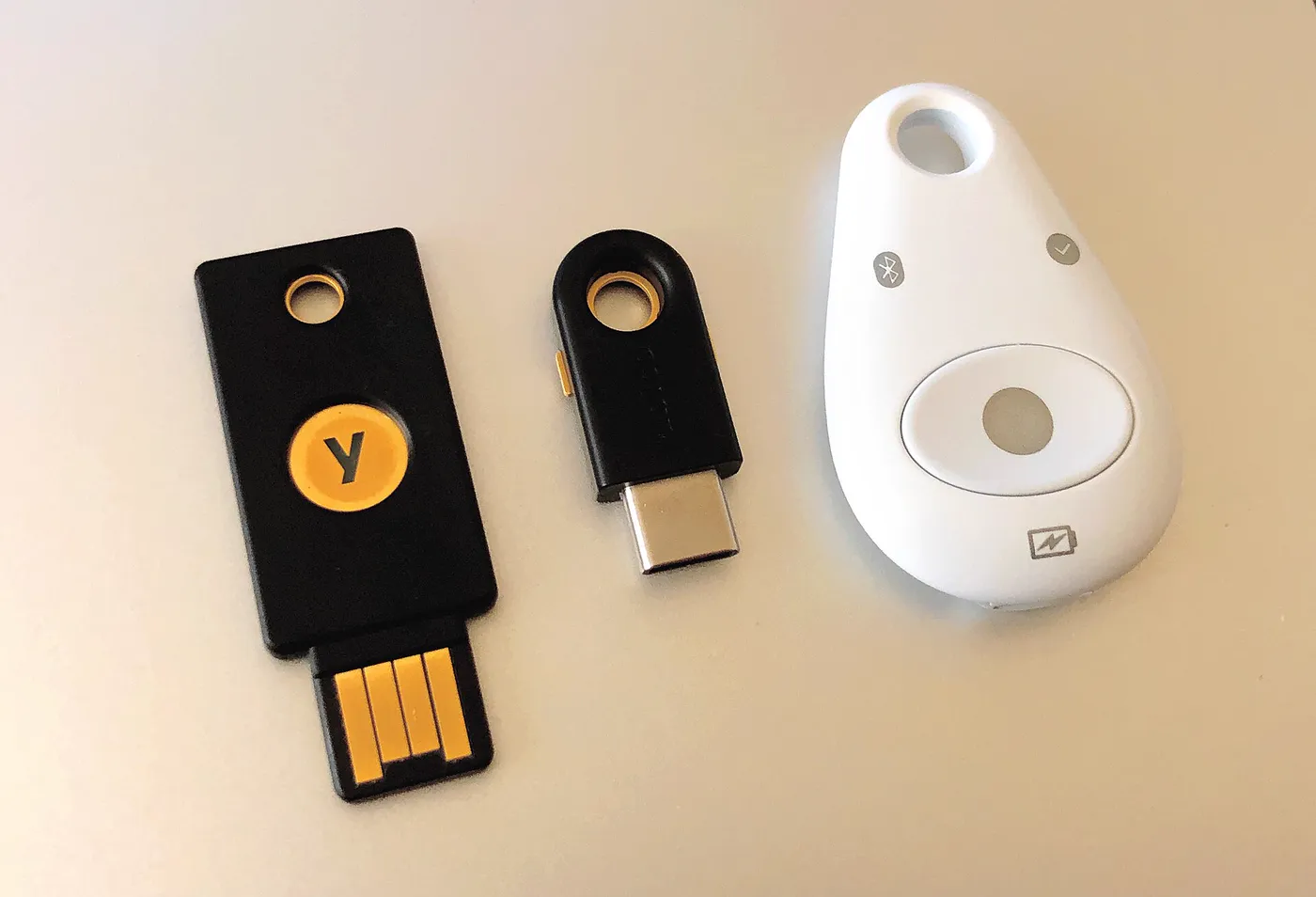
- A hardware security key — unglamorous, boring, extremely hard to phish.
- A code from an authenticator app. Not SMS. SMS is the one channel an attacker can take over without touching your device.
- A long, unique password from the manager. Never one you have used before, and never one you can remember by pattern.
Was it worth the evening?
Yes, and not for the reason I expected. Passkeys are faster — one tap instead of typing — but the real gain is that phishing stops working. Half the breach stories we read are somebody typing a real password into a fake page. That attack simply has nothing to eat here.
If you have been putting this off because it sounds like a project: start with your email account tonight, keep the password as a fallback, and add the second device before you close the laptop. The rest can wait for a rainy Sunday.
That’s it. If you get stuck on a specific site’s migration, tell me which one in the comments and I’ll add it to this post.